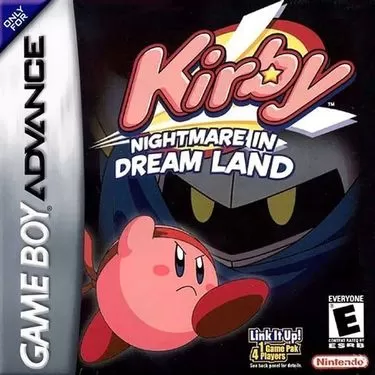
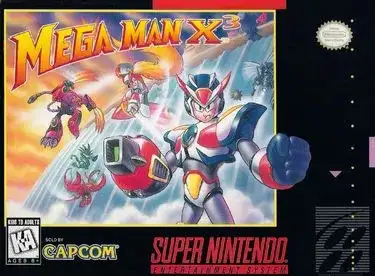
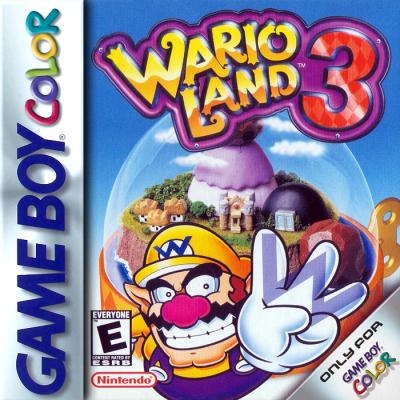
Travel Through Time, Rekindle Your Gaming Passion
Explore our classic game collection and enjoy nostalgic fun in your browser.
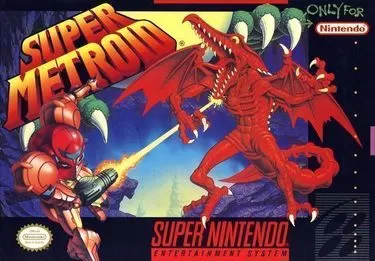
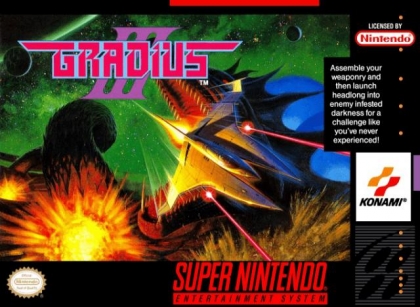
Featured Games
More Games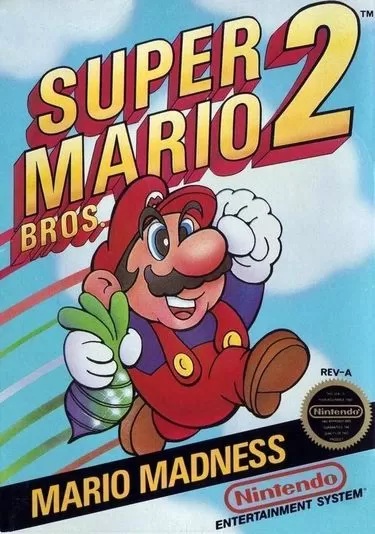
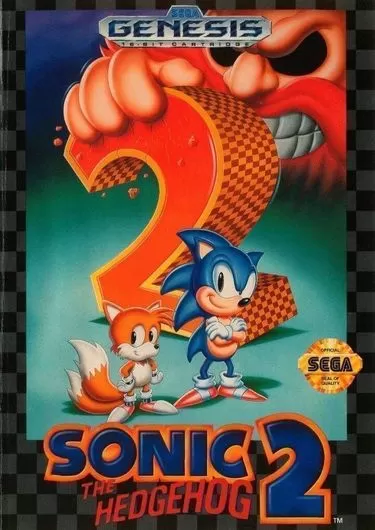
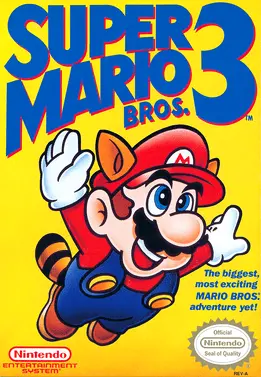
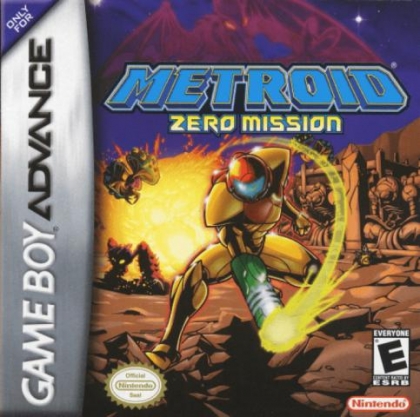
Popular Series
More SeriesNew to MoreGames? Start with these 6 questions
From finding games and understanding Featured picks to playing smoothly and keeping your progress, here's the fast overview.
What can I do on MoreGames?
MoreGames lets you discover and play classic games directly in your browser without a long setup. Start from consoles, series, genres, or a quick search to jump from curiosity to gameplay fast.
What's the fastest way to find a game I want to play?
Use the search bar first, then narrow things down with console, genre, or series filters when you want something more specific. If you're still exploring, Featured, Recently Updated, and Surprise Me are the quickest ways to surface something worth opening.
Why do the Featured games change every time?
The Featured shelf is designed for discovery, so it refreshes with a rotating mix of standout titles instead of acting like a fixed top list. When one catches your eye, open its game page right away or keep the tab around so you can come back to it.